
Google Play Store
Google Play Store is Google's digital distribution platform for Android, used to find, install and update apps, games and books.
101.1 MB

1.9.10 · APK Editor · Page updated
APK Editor is a free Android tool for opening and modifying APK files. It is meant for experienced users who understand how Android apps are packaged.
Average 0.0 · ratings: 0
Thank you! Your rating is saved; you can change it. Could not save the rating. Please try again later. Too many ratings from your network today. Please try again tomorrow. The average appears after 5 ratings.
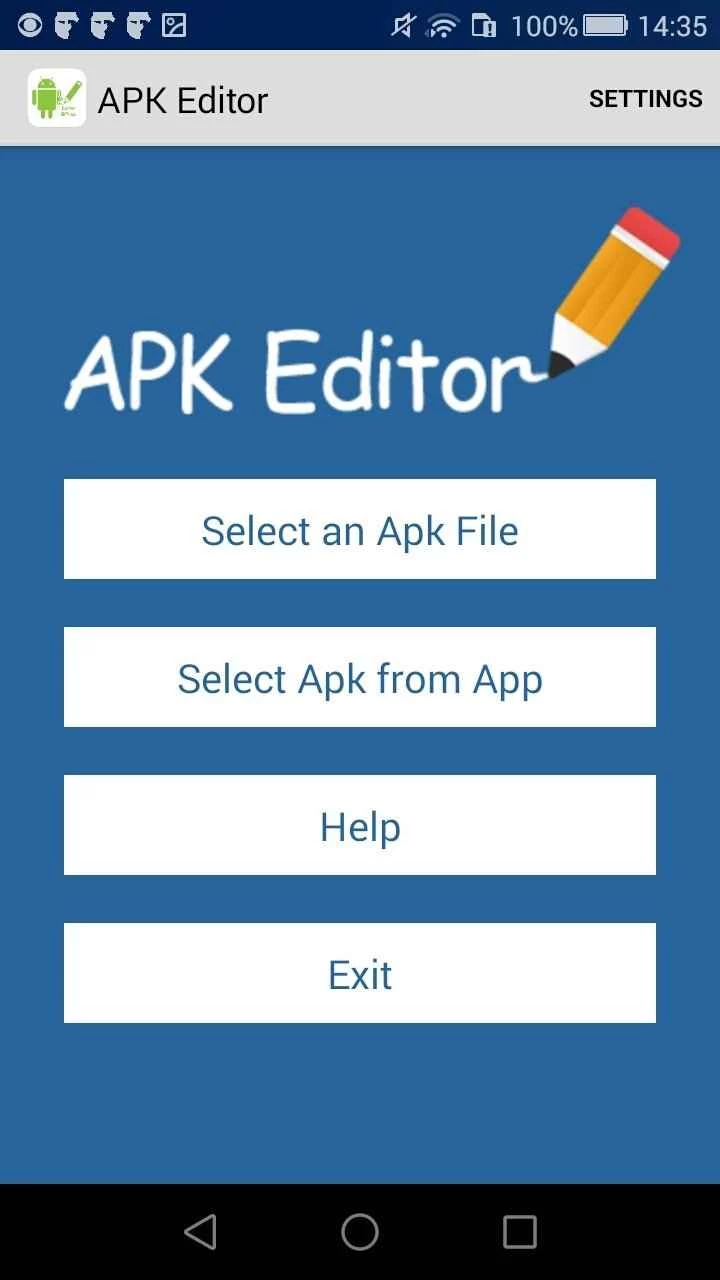
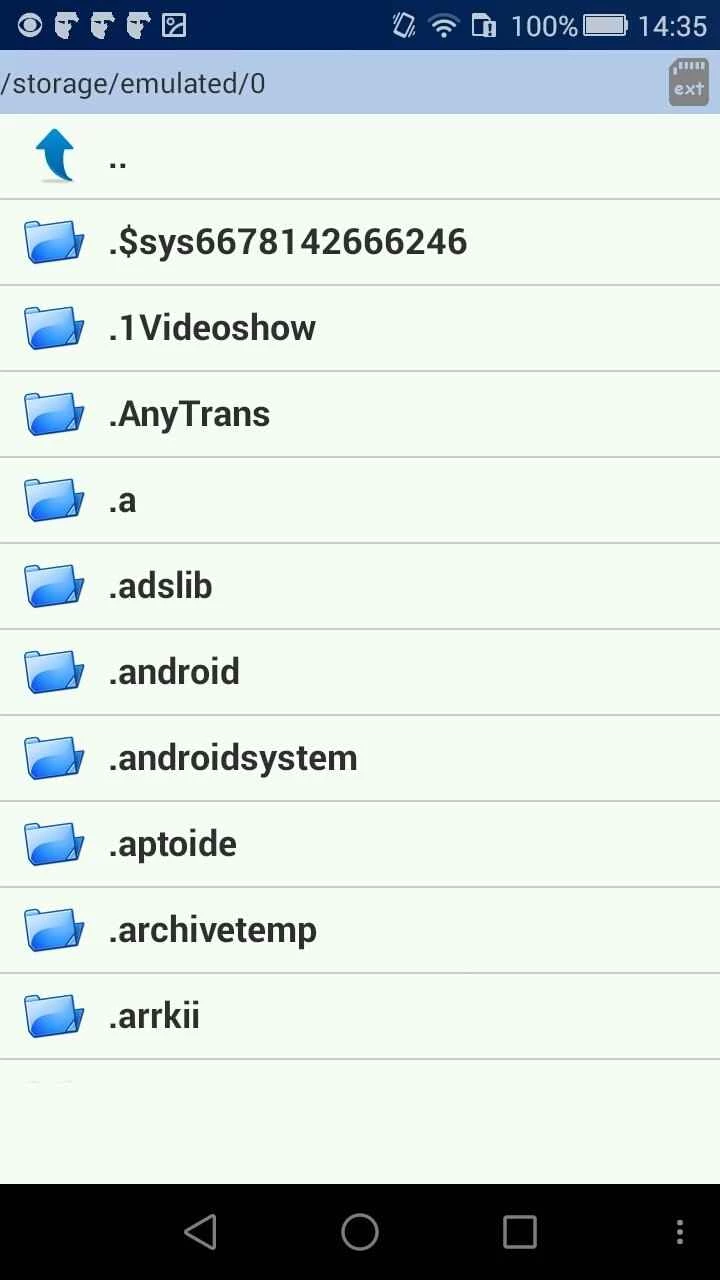
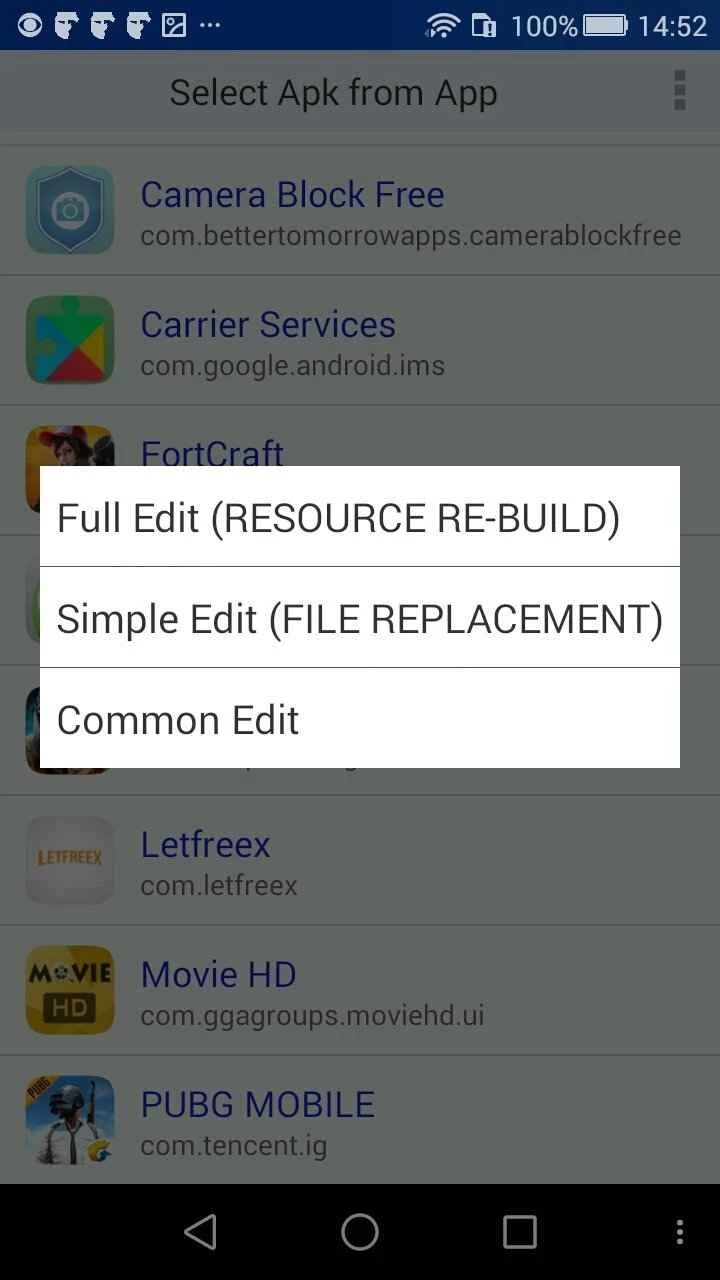
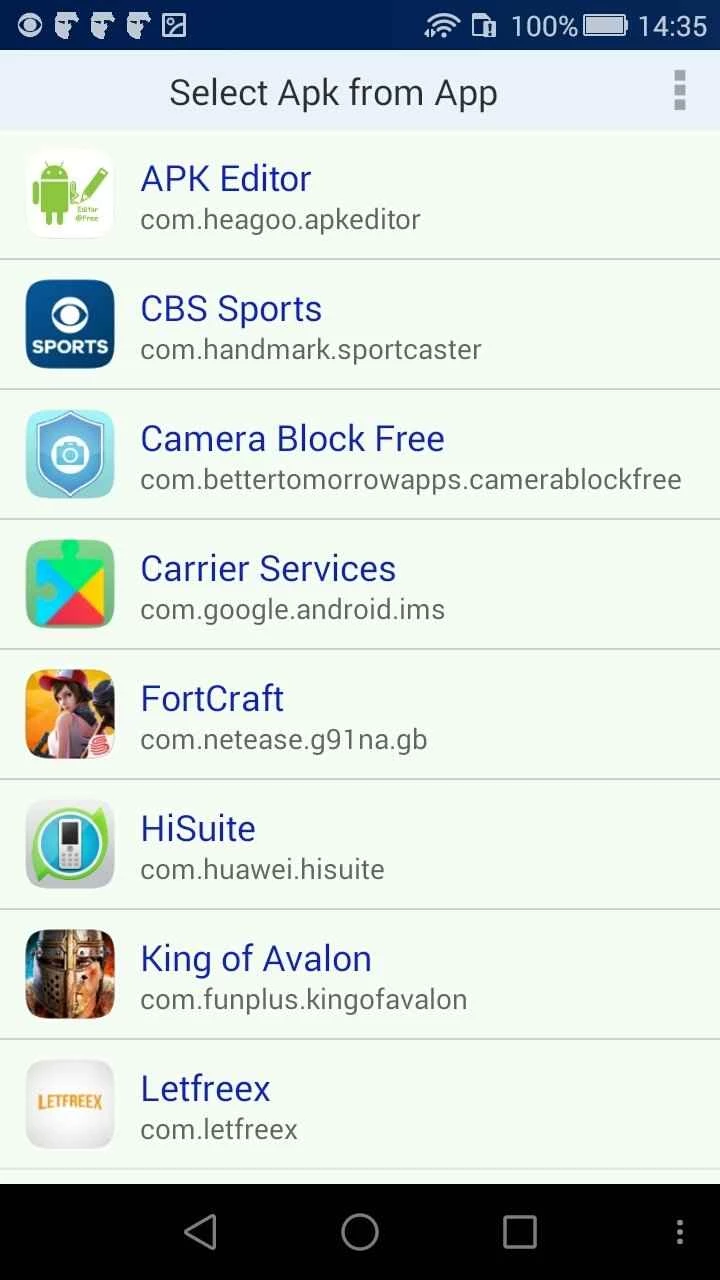
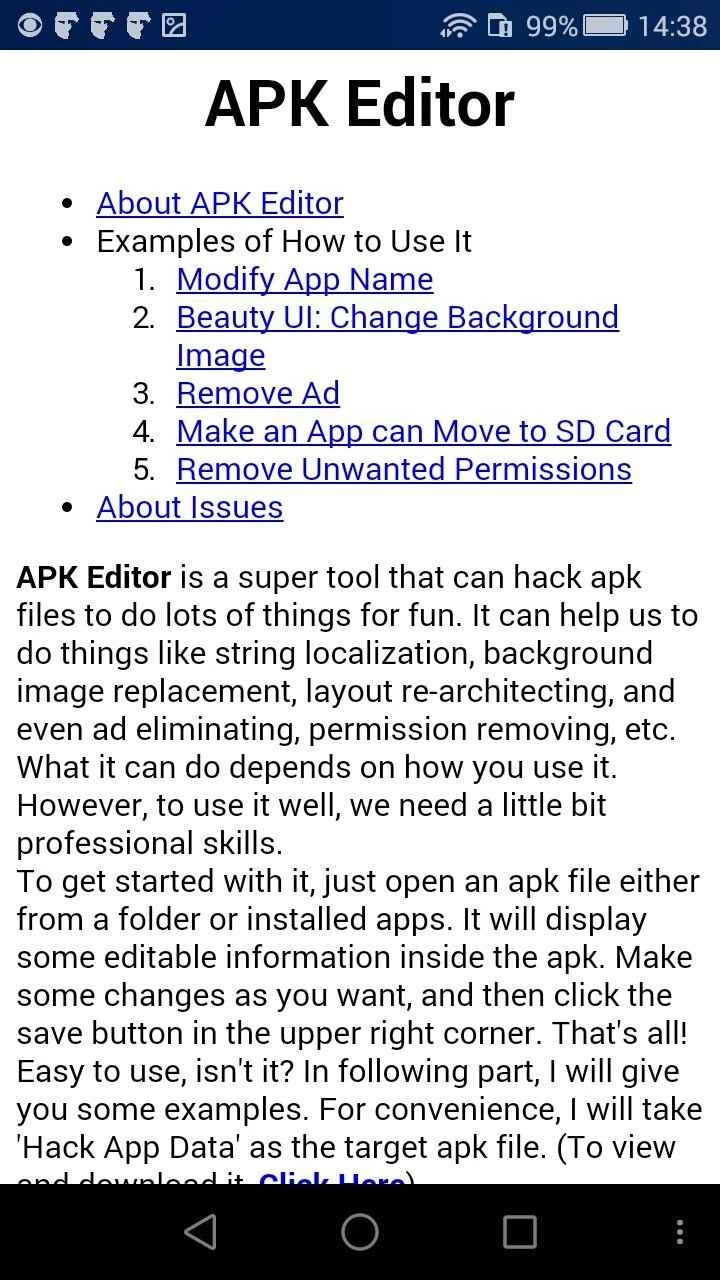
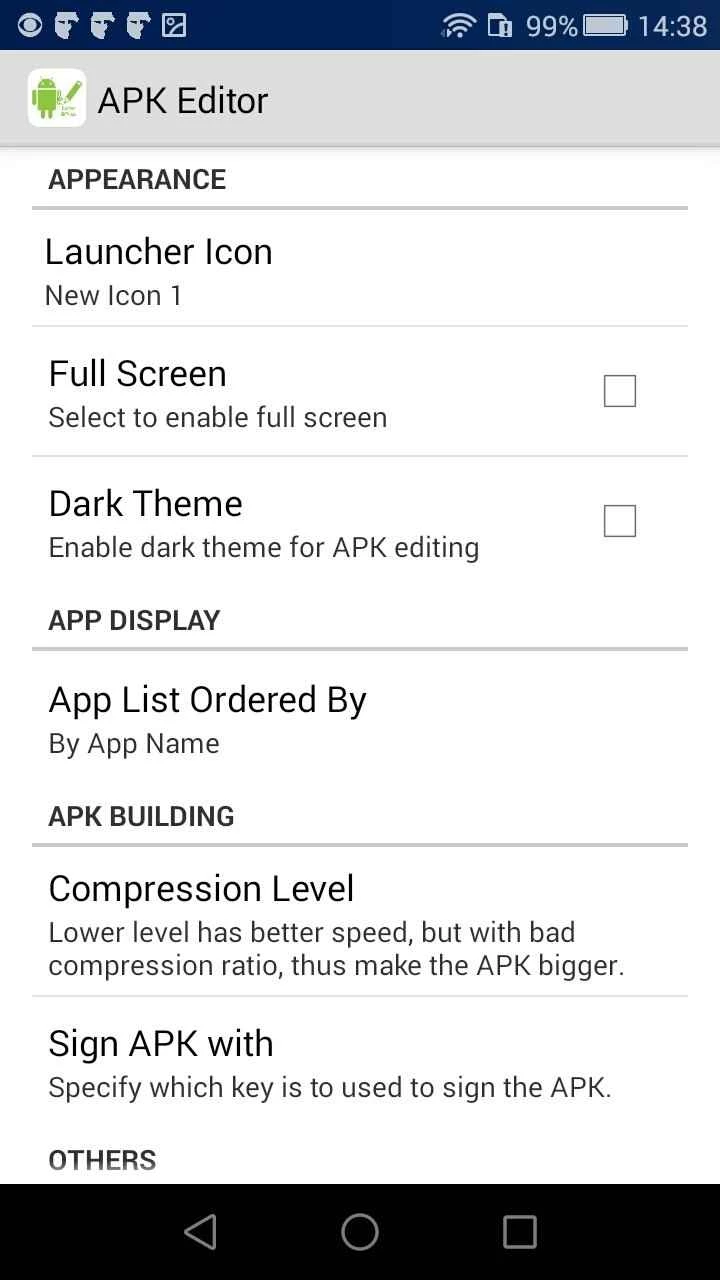
APK Editor 1.9.10 is a free Android tool for opening and modifying APK files, the packages that Android apps are installed from. It is aimed at experienced users and hobby developers, and before you download it you should know what editing an app involves and where the risks lie.
| Item | Details |
|---|---|
| Version | 1.9.10 |
| Developer | APK Editor |
| Platform | Android |
| Price | Free |
| Size | about 7.95 MB according to catalogue data |
| Official website | not listed in our sources |
An APK file is an archive that holds an app's code, images, texts and settings. APK Editor lets you open such a file on the phone, look at what is inside and change parts of it, then build a new package. People use this kind of tool to translate an app into another language, replace an icon, study how an app is structured or adjust their own projects without a computer. The important detail is that any change breaks the original developer's signature, so the edited app becomes a different package that no longer receives updates from the store. Editing other people's apps to remove ads or unlock paid features usually violates their terms and, in many countries, copyright law, so the legitimate use is your own apps, open-source projects and learning.
Edited packages are best tried away from your main phone. The emulator in Android Studio, documented at developer.android.com, runs a virtual device on your computer that you can reset at any time, and a spare phone without personal accounts works too. Never install edited versions of banking, messaging or work apps on the device you rely on.
There is no official website for APK Editor in our sources, so be careful where you get it: copies on random portals can be repackaged themselves. Keep Google Play Protect enabled and scan any APK you did not build yourself.
For installing original apps, our listings include Google Play Store, Aurora Store and APKPure. Root Checker and Shizuku are other tools aimed at advanced Android users.
Google Play Store is Google's digital distribution platform for Android, used to find, install and update apps, games and books.

APKPure is a third-party app marketplace for Android that installs apps from APK files outside Google Play. This page covers version 3.20.7803.

Aptoide is an open-source alternative app store for Android, running since 2009. This page covers version 9.22.5.3.

QuickShortcutMaker is a small Android tool for creating home screen shortcuts to specific screens of installed apps, including hidden settings.